Answer customers, and hear how you're doing.
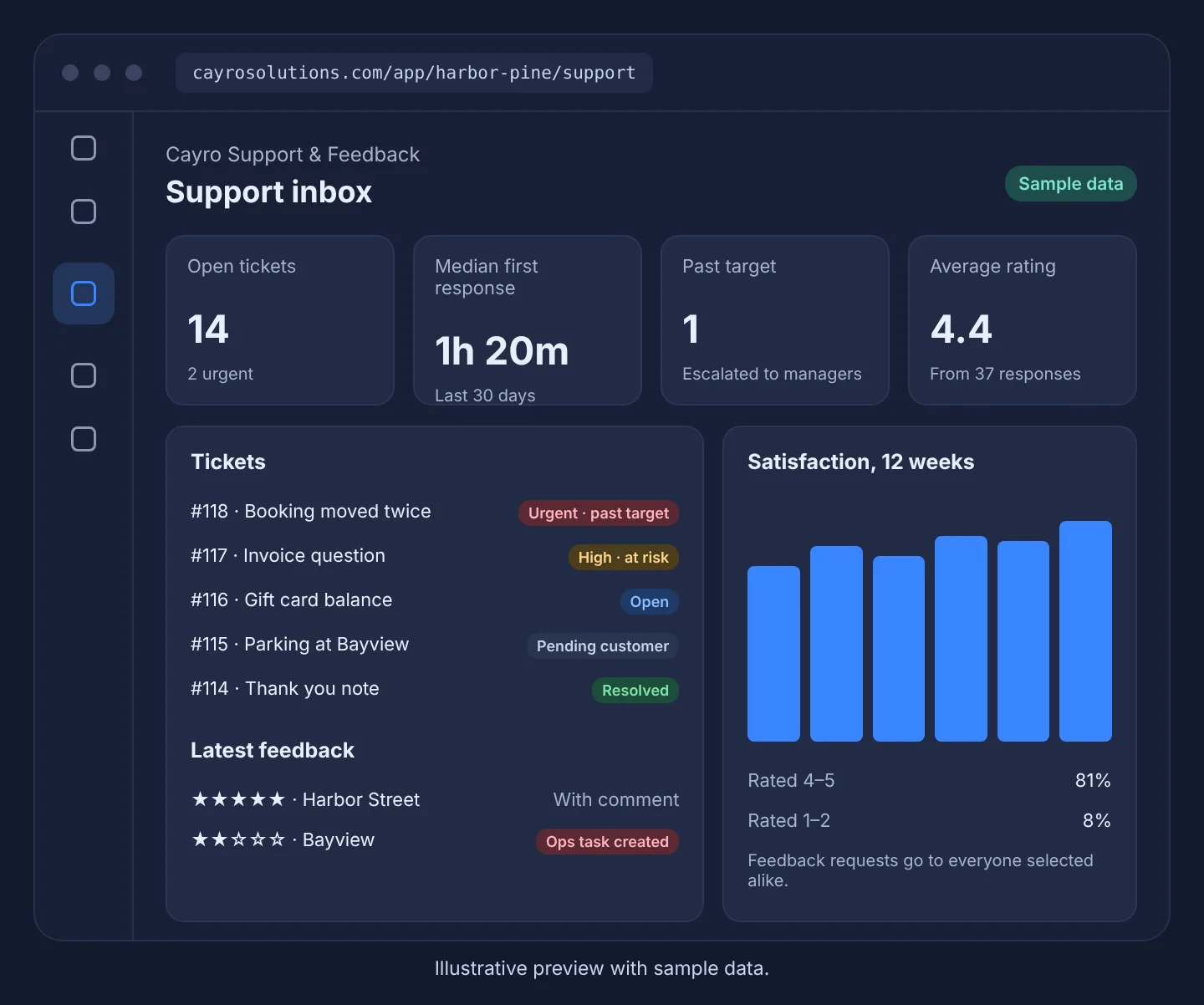
A shared ticket inbox with a help center and service-level targets, plus customer feedback pages and a satisfaction dashboard. Problems become Ops tasks.
Cayro Support & Feedback · Support & Feedback
How it works
- Step 1
Receive
Customers write in through your help center contact form.
- Step 2
Answer
Reply from a shared inbox; internal notes stay internal.
- Step 3
Resolve
Targets show what's at risk; customers rate the help they got.
- Step 4
Listen
Feedback pages and requests show how customers feel, by location.
What it can do
- Each customer sees only their own ticket, through a signed link
- Response templates with placeholders
- Urgent tickets past their target are escalated automatically
- Feedback requests only to customers who opted in, with no incentives
- Feedback can't be deleted or edited
- A satisfaction dashboard that waits for enough responses
Who it's for
Service businesses and multi-location teams that answer customer questions and want to know how satisfied customers are.
Frequently asked questions
Do customers need an account?
No. They write in through your help center and follow their ticket through a private link in the email.
Can I ask only happy customers for reviews?
No. A feedback request goes to everyone you select in the same way, without incentives, and only to customers who agreed to hear from you.
Does it collect reviews from Google or other sites?
Not at the moment. Feedback comes from your own feedback pages and requests.