Get paid, track spending, see cash coming.
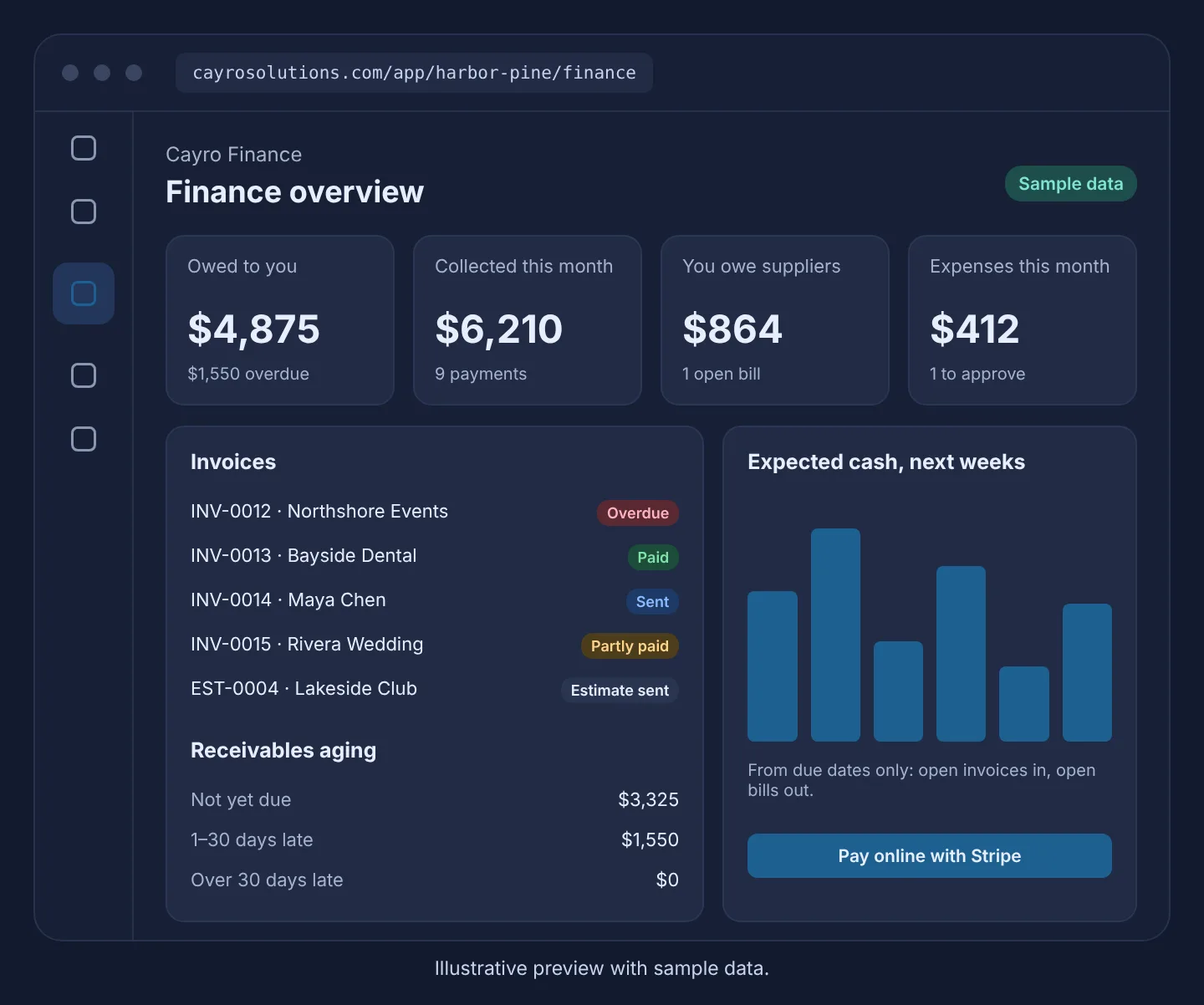
Send invoices and estimates, take card payments through your own Stripe account, route expenses for approval, and see what's owed and due.
Cayro Finance · Finance
How it works
- Step 1
Bill
Create an invoice, or convert an accepted estimate or a won deal.
- Step 2
Send
Your customer gets a link to view it and, if you connect Stripe, pay by card.
- Step 3
Record
Payments, credits and expenses update balances and budgets.
- Step 4
See ahead
Receivables aging and expected cash from due dates.
What it can do
- Totals that always equal their lines, checked by the database
- Partial payments and credit notes, kept as a permanent record
- Recurring invoices and payment reminders
- Expense approval, never by the person who submitted it
- Bills from received purchase orders
- Not an accounting ledger: no tax filing or bank reconciliation
Who it's for
Service businesses, shops and multi-location teams that invoice customers, track spending and want to know what's owed without a separate invoicing tool.
Frequently asked questions
Is Cayro Finance accounting software?
No. It handles invoices, estimates, expenses, bills, budgets and expected cash. It doesn't keep a general ledger, file taxes or reconcile bank accounts; export your records for your accountant.
How do customers pay online?
Connect your own Stripe account in Finance settings. Customers pay on Stripe's hosted page and the money goes to your account; Cayro never sees card details. Until you connect, payments are recorded by hand.
Can a sent invoice be changed?
No. Sent invoices, payments and credit notes are a permanent record. Correct a mistake with a credit note, or void an invoice that has no payments.