Online booking that never double-books your team.
Services, staff hours and a public booking page, with confirmations, reminders and self-service changes for your customers.
Cayro Bookings · Appointments
How it works
- Step 1
Set up services
Duration, buffers, price and who performs each service.
- Step 2
Set availability
Weekly hours per person, blocked time, or published Workforce shifts.
- Step 3
Customers book
Your public page shows only times that are really free.
- Step 4
Stay in touch
Confirmation, reminder and a link to move or cancel.
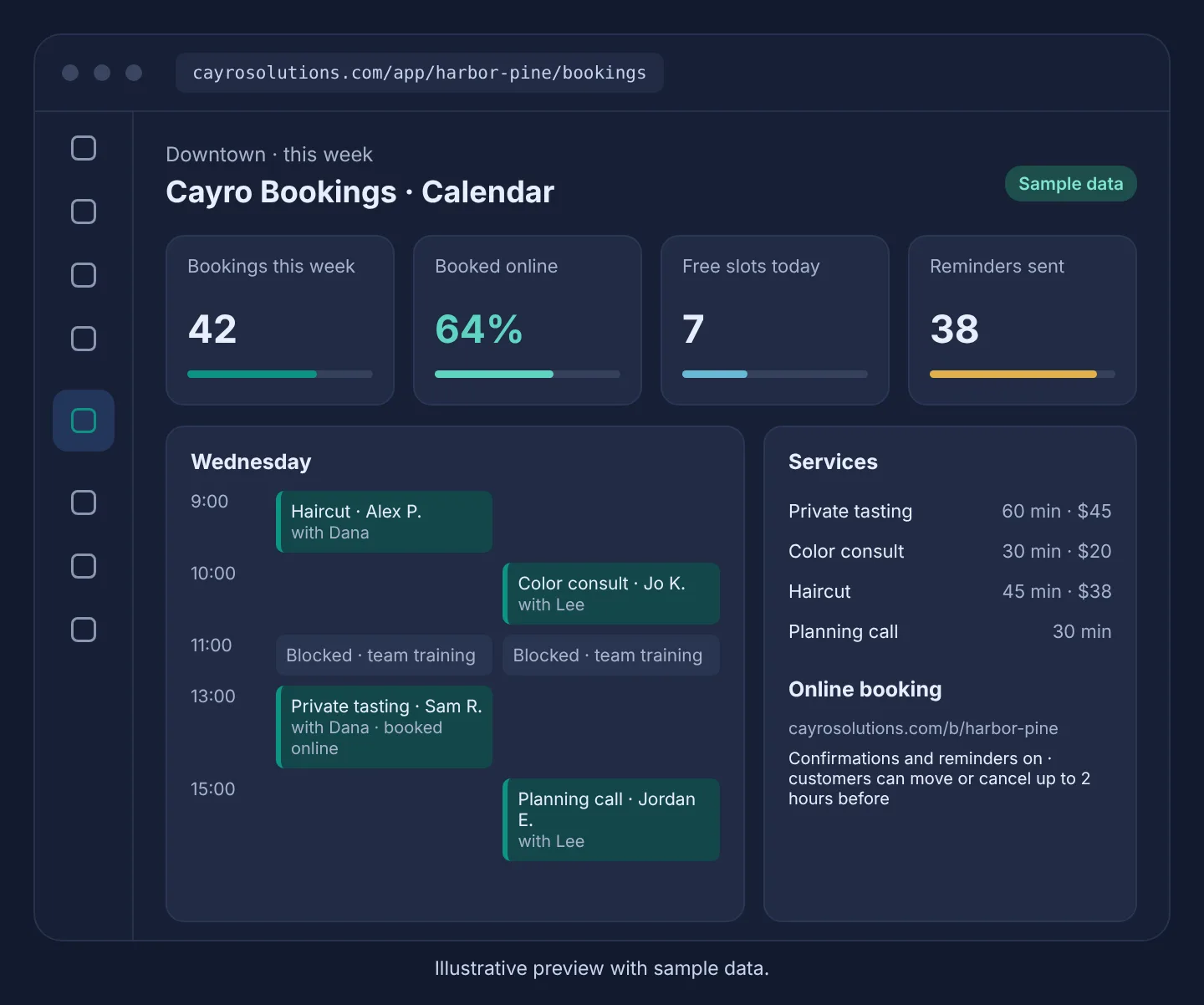
What it can do
- Day and week calendar per location
- Staff can book for walk-ins and phone calls
- No double-booking across bookings and shifts, enforced by the database
- Approved time off is never bookable
- Every booking linked to the Connect customer
- Google or Outlook calendar sync (off until you connect it)
Who it's for
Salons, studios, clinics, repair shops and other service businesses that take appointments, with one person or a whole team.
Related articles
Frequently asked questions
Do my customers need an account to book?
No. They pick a service, a time and enter their name and email. The confirmation includes a link to move or cancel the booking.
Can a staff member be double-booked?
No. The database refuses overlapping bookings for the same person, including buffers, and bookings during a shift at another location.
Does it sync with Google or Outlook calendars?
Calendar sync is built in but switched off until it's configured for your account and each staff member connects their calendar.